
Welcome to my tutorial page!
After a long time of planning to write this tutorial, here it is!
This tutorial it’s a complete and synthetize guidance, which will walk you through a feature VFX, Matte Paint’s department workflow. For a successful understanding of this tutorial, it is required an intermediate to advanced level of Photoshop, intermediate level of a 3D modelling package (like Maya, 3Ds Max or any similar software) and basic to intermediate understanding of Nuke.
By the end of this tutorial, the aspiring DMP Artists will know everything need it, in order to meet the production demands and build a successful matte paint portfolio.
This tutorial will be split it in three chapters. Each chapter will be divided in two sections, one for 2D paint (Photoshop) and one for 2.5D workflow (Nuke).
 1.Introduction to the Matte Paint process.
After a long time of planning to write this tutorial, here it is!
This tutorial it’s a complete and synthetize guidance, which will walk you through a feature VFX, Matte Paint’s department workflow. For a successful understanding of this tutorial, it is required an intermediate to advanced level of Photoshop, intermediate level of a 3D modelling package (like Maya, 3Ds Max or any similar software) and basic to intermediate understanding of Nuke.
By the end of this tutorial, the aspiring DMP Artists will know everything need it, in order to meet the production demands and build a successful matte paint portfolio.
This tutorial will be split it in three chapters. Each chapter will be divided in two sections, one for 2D paint (Photoshop) and one for 2.5D workflow (Nuke).
1.Introduction to the Matte Paint process. This chapter will give you a brief description, of the whole process for a matte paint creation, from 2D paint up to 2.5D projections set up. 2. Linear workflow with color depth and color adjustments*
This chapter will help you to understand the linear workflow, the importance of the color bit depth and how to successfully combine images from multiple sources in order to build a seamless 2D paint, by matching the color and light values. 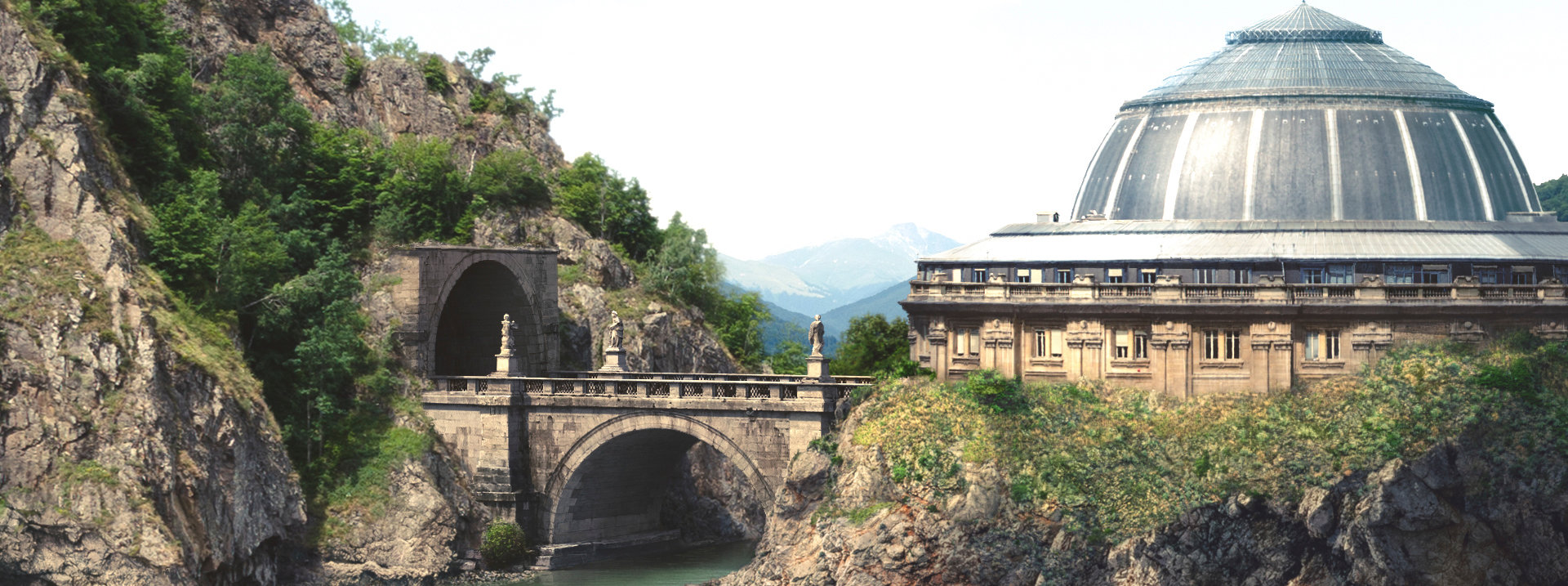 3. Advanced matte paint creation
This chapter will simulate the production workflow of a Matte Paint creation. Based on an approved layout and animated camera (render camera), we will start to build a matte paint that will later on, be pass to Compositing department.